 HelloMona
AI Image Generator
Generate a new image from a text description.
From first idea to finished image
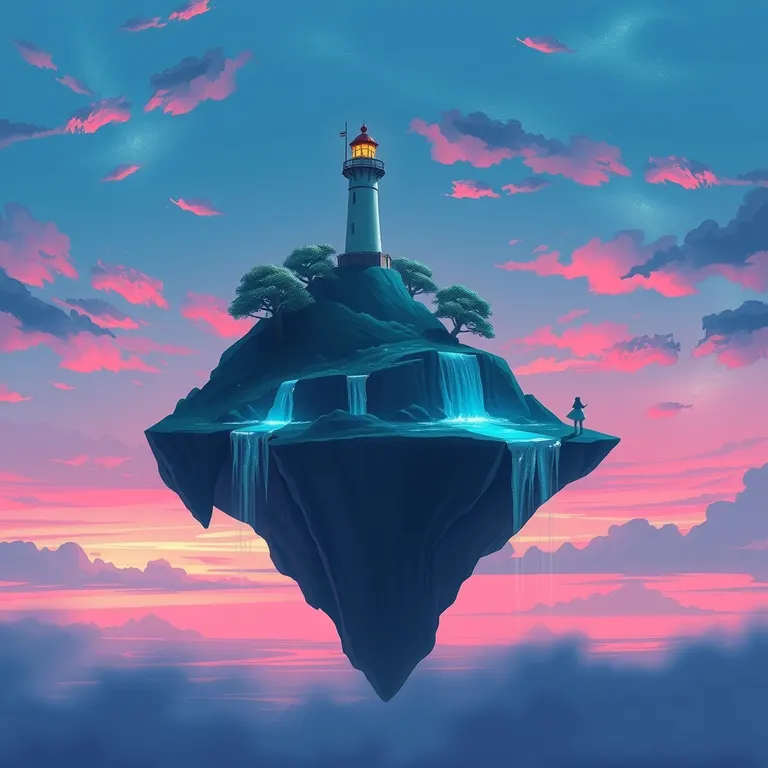
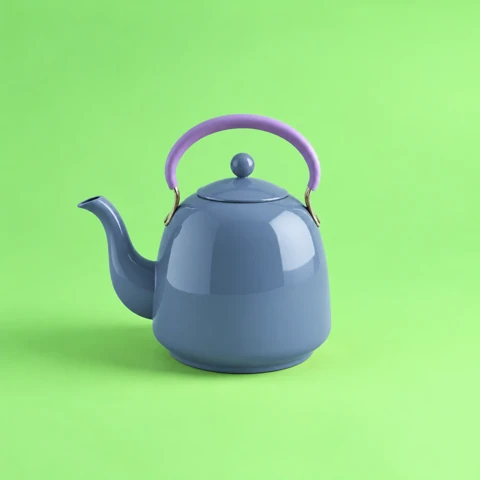

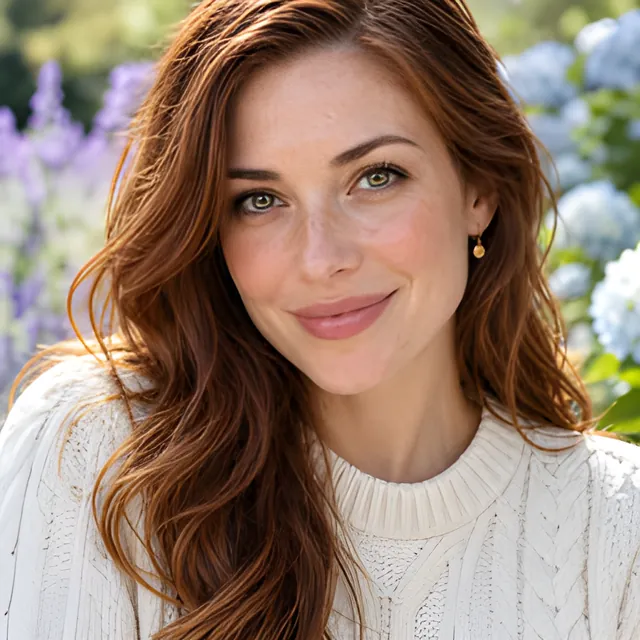
Ideas to start from


Bring an idea to life in video
Choose a model to turn text or a photo into a short AI video.

Getting started
Which tool should I start with?
Choose Image on this page to generate a new picture from a description, or Video to create a short video from text or a photo. To edit an existing image, upscale it or remove its background, use the tool cards below. Each tool also has its own page.
Do I need an account?
You can browse tools, examples and prices without an account. Sign in to run AI generation and processing tasks. Your image results are saved privately to Gallery, where you can download them or open them in another tool. Add Text to Image is free in your browser without signing in.
How do credits work?
AI generation and processing tools share one credit balance. Each tool shows the credit cost for the model and output you pick before you start, and a task runs only when you confirm it. Buying credits never starts a task. If our service records a task as failed, the credits it used are returned. A finished result you don't like the look of is not a failed task. See Pricing for credit packs. Add Text to Image does not use credits.
Can I use one result in another tool?
Yes. A finished image can go straight on to editing, upscaling or background removal, and anything in Gallery can be opened in those tools later. Your original stays as it was each time.