AI image generator & background remover
Turn your ideas into images and remove photo backgrounds in one workspace. Create with pay-as-you-go credits, download your results, and keep making.
Try the AI image generator
Turn a text prompt into one 1024 × 1024 image, ready for JPEG download.
- 1024 × 1024
- One image per run
- JPEG download
Your image appears here
Write a prompt and press Generate.
Try one
Explore AI image tools
Generate an image from text or remove a photo background. Image upscaling is coming soon.
 Live
LiveText to Image
Create a 1024 × 1024 image from text. Download a JPEG or send the result to Background Remover.
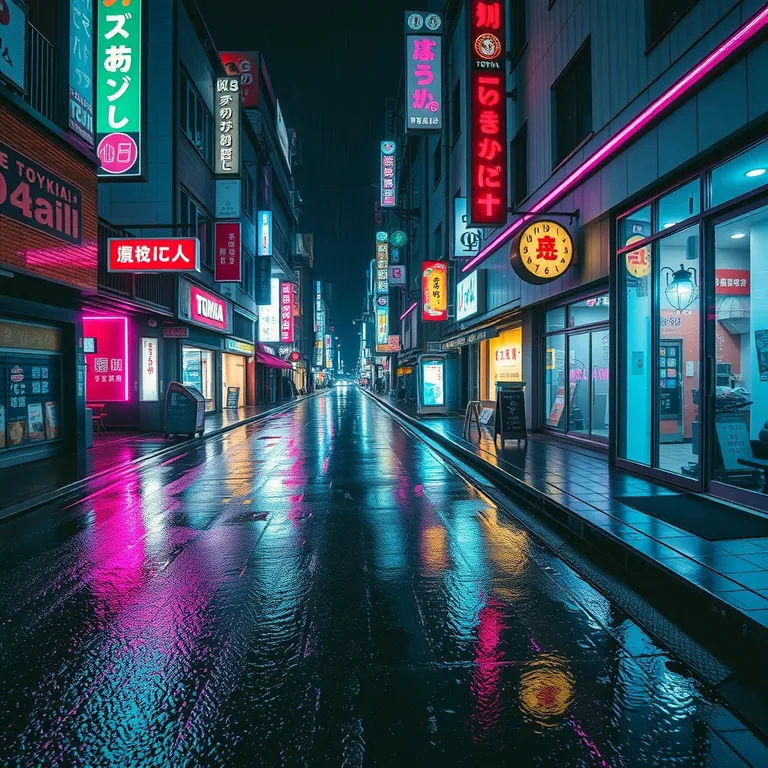
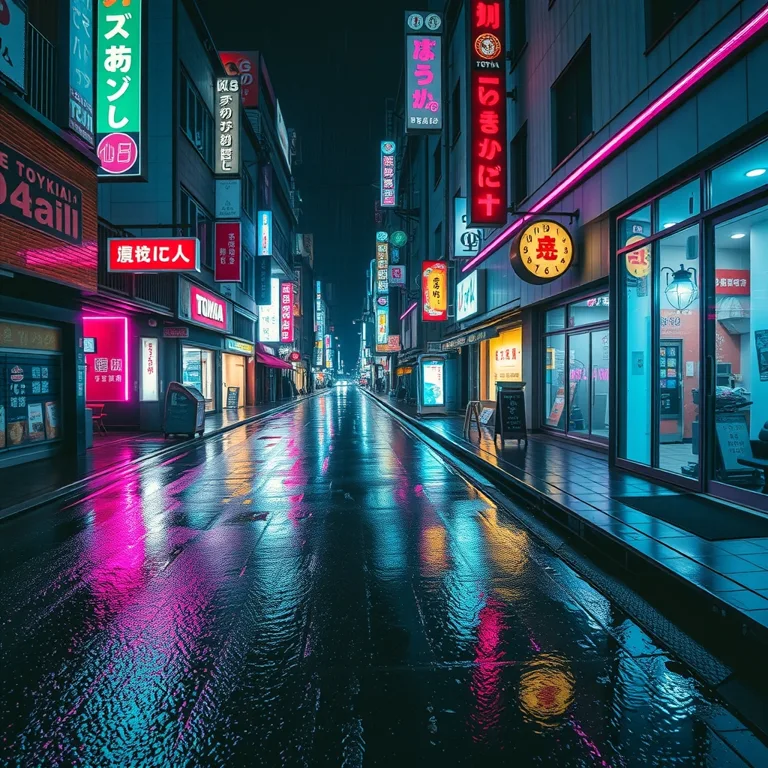
Image Upscaler
Coming soon: enlarge photos 2× or 4×. AI upscaling is not available yet.
Background Remover
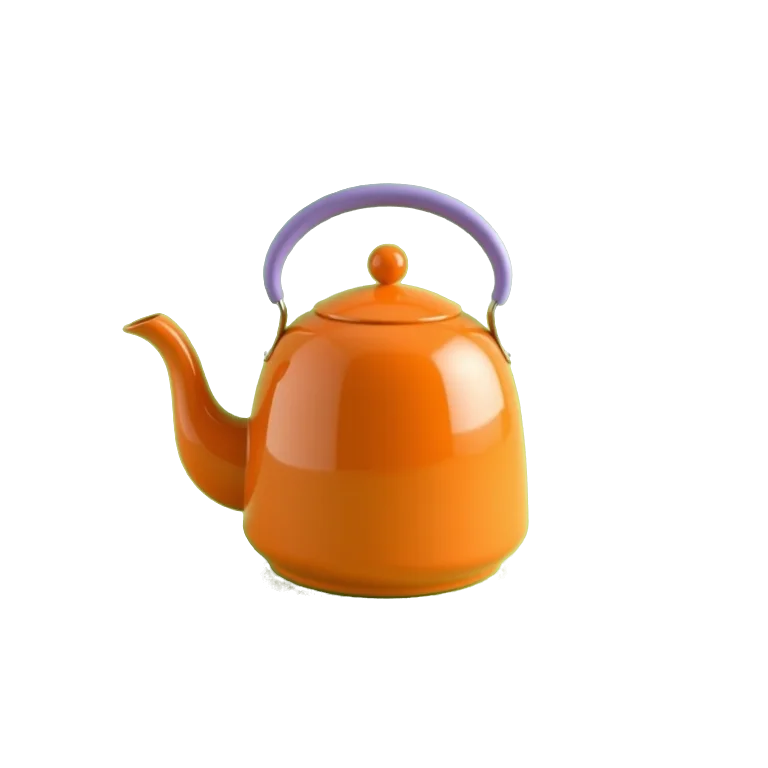
Upload a JPG, PNG or WebP up to 20 MB and download your subject as a transparent PNG.
Explore image ideas with HelloMona
Example images to explore different subjects, lighting and visual styles.

- 1Pick a tool
- 2Describe or upload
- 3Download the result
Pay for what you make
Credits power every tool. Each result shows its cost before you run it.
Questions about our AI creative tools
- Which AI tools can I use today?
- Text to Image and Background Remover are live. Choose Text to Image to create a new image from a written prompt, or Background Remover to isolate a subject in an existing photo. Image Upscaler is shown as coming soon and cannot process images yet.
- How do I choose between image generation and background removal?
- Use image generation when you need a new visual, such as a concept illustration or a social post. Describe the subject, setting and style in your prompt. Use background removal when you already have a photo and want to keep the subject while replacing the surrounding background with transparency.
- Will the platform include AI video and audio tools?
- Video tools are planned as the next part of the platform. Audio tools may follow. These tools are not available yet, and we have not announced release dates. The current workspaces focus on image creation and editing.
- How do credits work?
- The available image tools use one credit balance. Each workspace shows the cost before you run a task. Sign in to use a tool and check the pricing page for credit packs. Costs and availability for future video or audio tools will be announced when those tools are released.
- What can I download from the image tools?
- Text to Image lets you download the generated image after the task finishes. Background Remover provides a PNG with a transparent background, useful for product photos, layouts and new compositions. You can find saved tasks in your history after signing in.