 HelloMona
Two photos. One performance.
Hotel Lobby AI Video Generator
Make the Hotel Lobby AI trend with two photos. Turn you and a friend into an orange-studio rap duo with a generated original beat.
See the result
480p · 8sThese two reference photos were used for this video
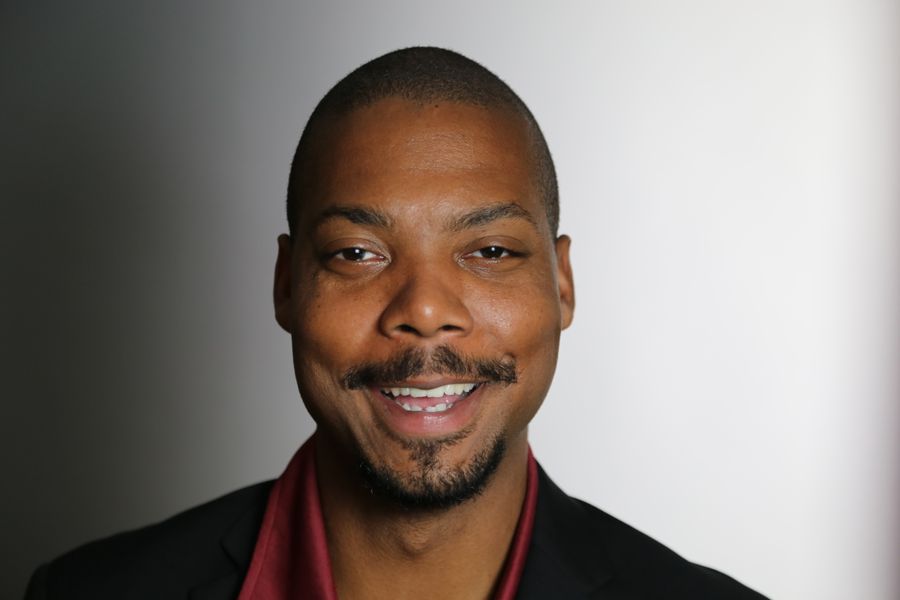
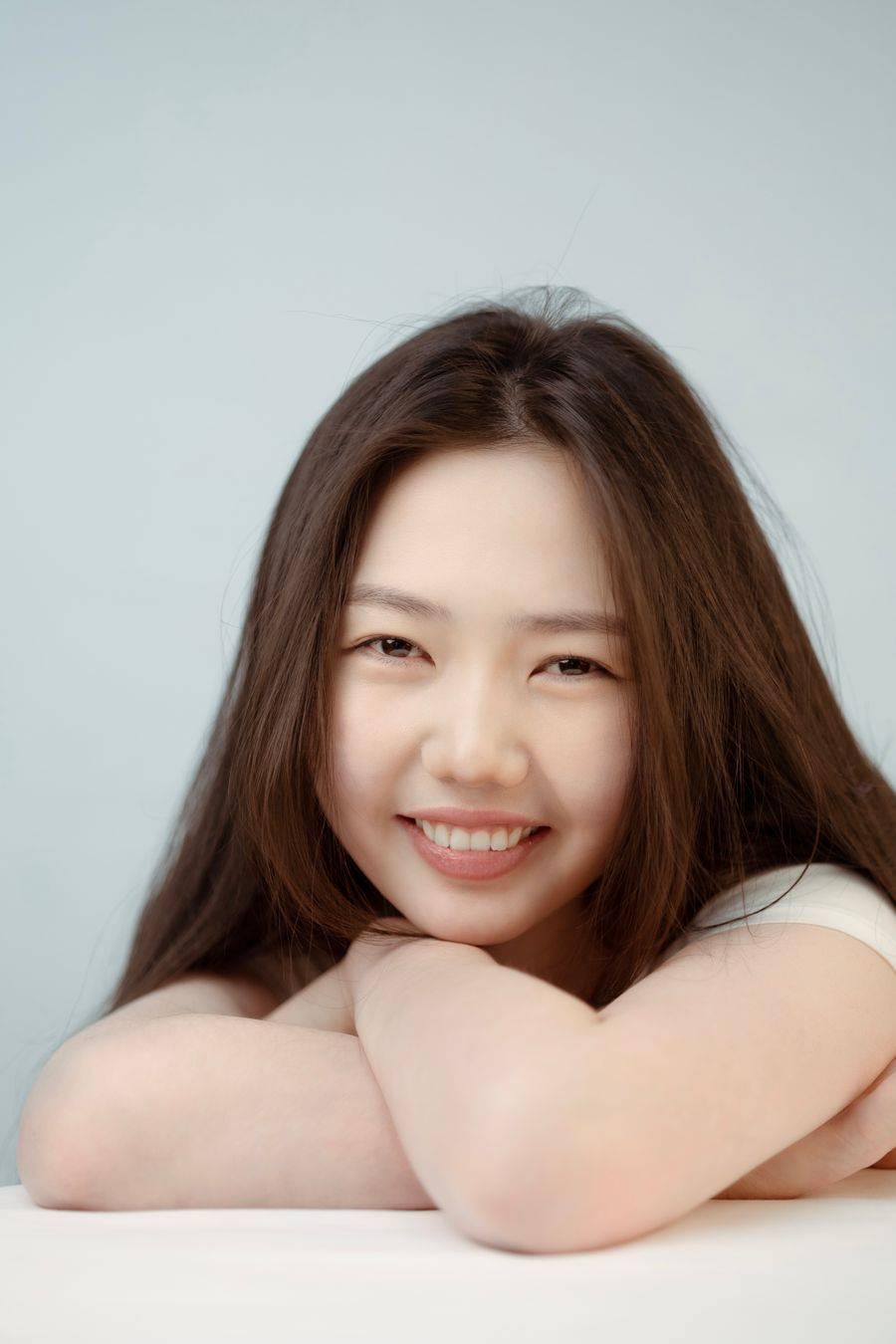
AI-generated demo from real stock portraits · Seedance 2.0 Mini. The people shown do not endorse this product.
Includes a generated original beat, not the original Hotel Lobby recording. You can add the trending sound in your social app.
Make the Hotel Lobby viral AI trend with your own photos
How to make a Hotel Lobby AI video
- Upload two separate portraits: the first photo is the person on the left, the second is the person on the right. Use clear, front-facing photos that you have permission to use.
- Choose an available model and video option, then select a vertical or landscape frame. Check the displayed credit total and confirm your photo permissions before generating.
- Sign in, generate, and wait for your video to finish. Preview your result, download the MP4, and add a licensed social-platform sound separately if you want a particular song.
Two photos, one studio performance
Friends as a rap duo
Put two friends into the same orange recording studio with a hanging microphone. You supply the people; the tool supplies the scene and performance direction.
Couple and partner clips
Create a short shared performance from two individual portraits, even when the people were photographed separately. Keep each person alone in their reference photo.
Short-form video posts
Choose 9:16 for vertical feeds or 16:9 for a landscape video. The output is an eight-second MP4; review it before sharing or adding your own edit.
What is the Hotel Lobby AI trend?
On this page, Hotel Lobby means the AI rap-duo effect: two people in an orange studio, performing around a hanging microphone. It is a photo-to-video scene, rather than footage of a hotel interior. The scene and motion are prepared for you, so no text prompt is needed.
Use photos of the people you want in the video
The two uploaded images guide who appears on the left and right. Use one visible face per photo, with good lighting and without heavy filters or obstructions. JPG, PNG and WebP are supported, up to 5 MB each and 300–6000 pixels on each side. AI can still change facial details, expressions or clothing; the real two-photo example below the controls shows one reviewed result, not a guarantee for every upload.
Check the price before generating
Watching the public example does not require an account or spend credits. Creating your own video requires sign-in and enough credits. Available models, resolutions and their current credit costs appear in the tool; the total can change with your selection. If generation fails, the reserved credits are returned automatically. A job still processing is not a completed failure.
Hotel Lobby AI video questions
Can I choose the two people in the Hotel Lobby video?
Yes. Upload one portrait for the left person and a second for the right person. These photos guide the identities instead of asking AI to invent the people. Exact likeness and small details can vary, so review the finished clip before posting.
Does it include the original Hotel Lobby song?
No. The tool requests an original AI-generated beat and performance. It does not include the original Hotel Lobby recording or promise a particular artist’s voice. If you want a platform sound, add it in your social app and follow its music-use terms.
Is the Hotel Lobby AI video generator free?
The example is free to watch without signing in. Generating a personal video uses credits and requires an account. Check the current model and option price beside the generation button before submitting; this page does not promise unlimited free generations.
What length, resolution and aspect ratio can I use?
This scene produces an eight-second video. Choose 9:16 vertical or 16:9 landscape. Available resolutions depend on the selected model and are listed in the tool. The public example is an actual 480p Seedance 2.0 Mini output.
What happens if my video fails or takes a while?
Keep the task in your account and check its status rather than submitting duplicates. When a generation is confirmed failed, credits are returned automatically. A processing task may still finish; the tool shows its latest state and your recent video history.
Are my uploaded photos and videos public?
Your photos are sent to the configured video generation service to create the result. Your saved task video is available through your signed-in account, not the public example route. Download a copy for your own backup. The public demo uses separately credited stock photos and is labelled as an AI composite; it is not a customer upload.
More ways to create with HelloMona
- AI Zombie Trend video generator
Turn two portraits into a short zombie love-story scene instead of a studio performance.
- Text to Image: make an original character portrait
- Credit packs and pricing
- How photos and account data are handled
Try another scene
Product information maintained by HelloMona · Last reviewed: · Contact